The quiet keyboard buying guide
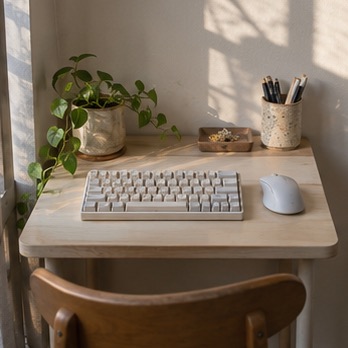
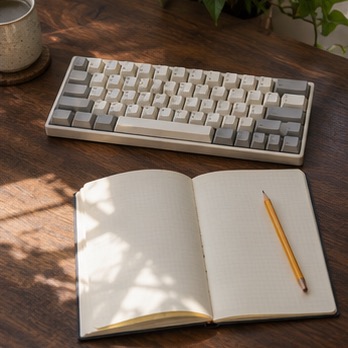
A good late-night keyboard starts with the right switches, a steady spacebar and a desk that doesn't amplify every keystroke.
Browse every Keycap Hum buying guide and practical setup article.
A good late-night keyboard starts with the right switches, a steady spacebar and a desk that doesn't amplify every keystroke.
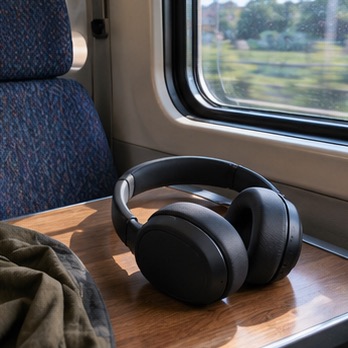
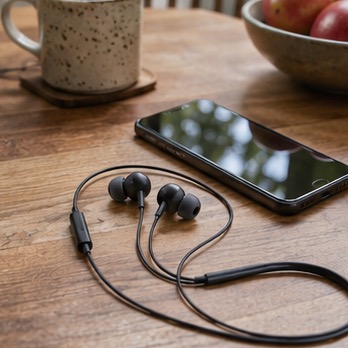
Start with the noise you actually hear, then find a pair you can keep on from the platform to your desk.
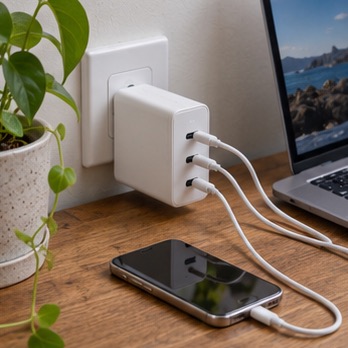
The number on the box only tells part of the story. Read the port chart to see what your devices actually get.
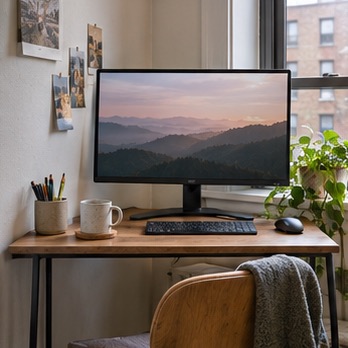
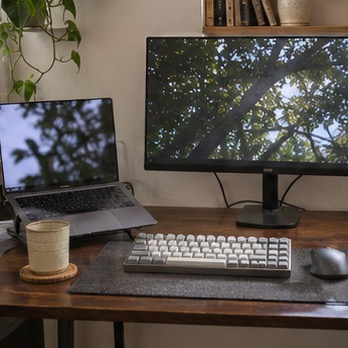
A monitor with the right stand and comfortable text scaling can make a small desk easier to use. Start with the space behind your keyboard.
Choose a compact layout by watching what your hands do during work, editing and play.
Ear tips are only one part of fit. The shape of the housing, the controls, and the case can all matter more after an hour.
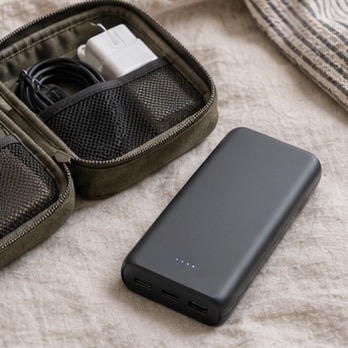
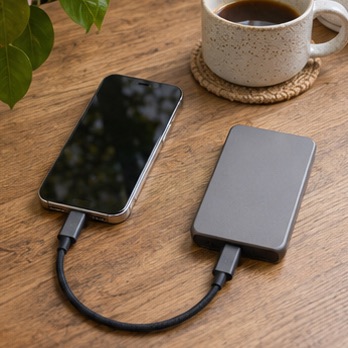
A battery for one long travel day should fit the way you carry, charge, and board.
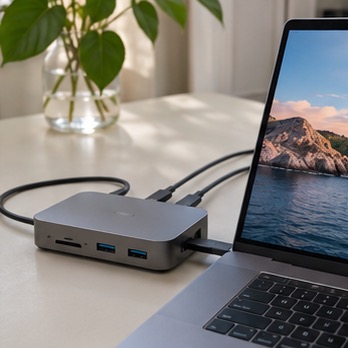
A dock can turn a laptop into a practical desktop setup. Check the display combination, charging output, and the ports you use together before you shop.
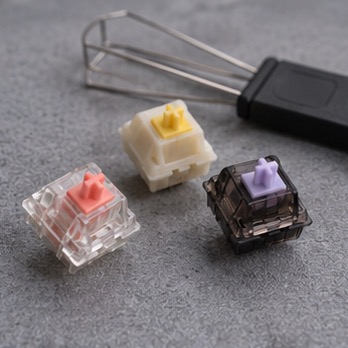
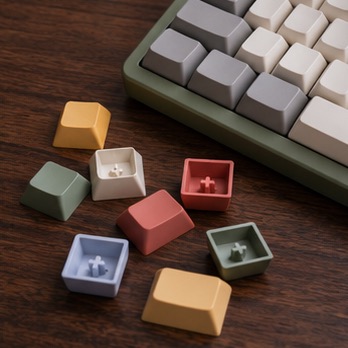
A small sampler can save a full-box purchase if you test it the way you actually type.
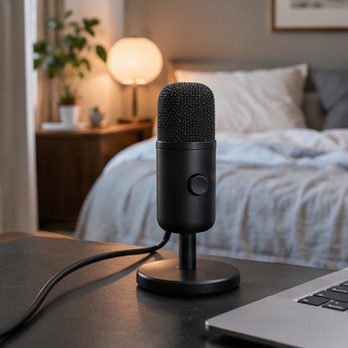
Find a connection you can rely on, then compare microphone position, mute controls, and the way you work.
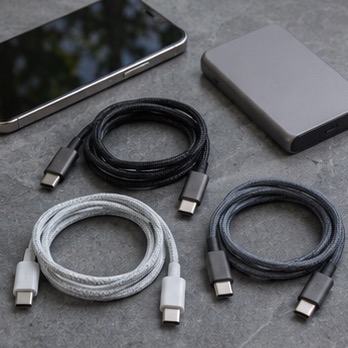
Match the cable to the job before paying for extra bandwidth or carrying another adapter.
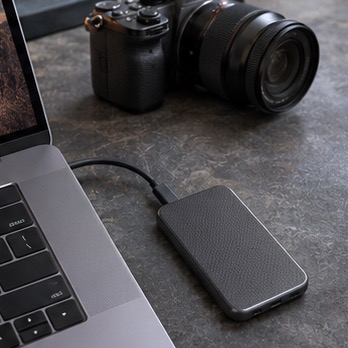
Choose a drive that fits your photo library, working habits, and the computer you use to copy files.
Work through the switch mount, regional layout and unusually sized keys before buying a replacement set.
A workable voice setup begins with speaking distance and room layout. Buy the mic and stand together in your head.
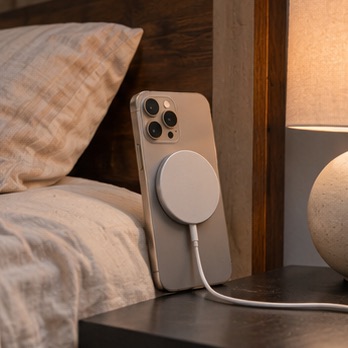
A stand, a puck, and a cable solve different charging problems. Choose around the spot where your phone spends the most time.
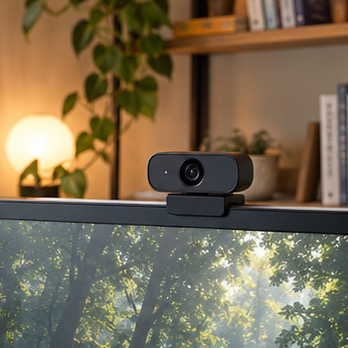
For evening calls, a camera you can position well and a softer light usually matter more than the largest resolution printed on the box.
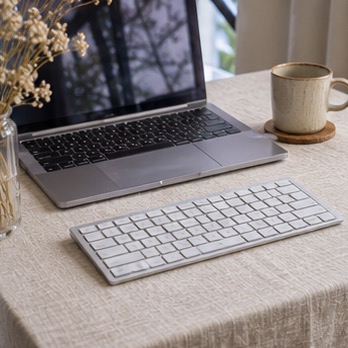
A slimmer board can make sense for laptop users, travelers and shallow desks. Compare the front edge and the keys together.
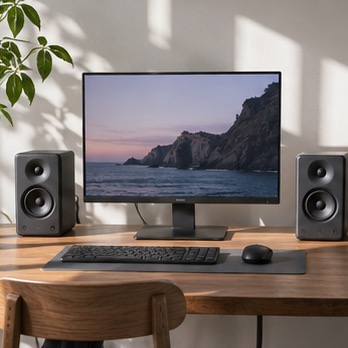
Make space for conversation and music without surrendering your whole desk to a pair of speakers.
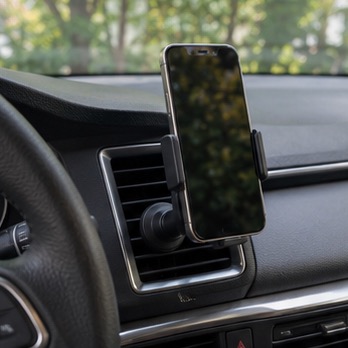
Find the right vehicle port and take a look at the cable before replacing anything expensive.
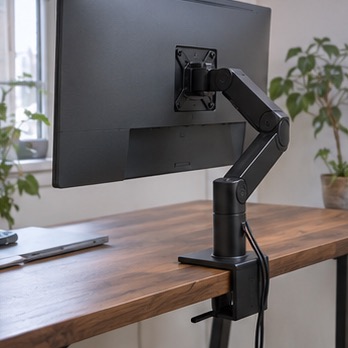
A good arm frees the surface below the display. The clamp, screen weight, and space behind the desk tell you whether it will work.
Compare multi-device pairing with a USB switch, and make sure the setup fits both operating systems.
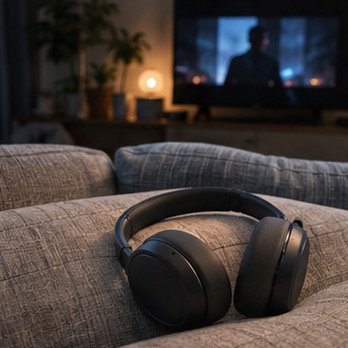
Check what the television can send, how much delay you notice, and whether anyone else needs to hear the same show.
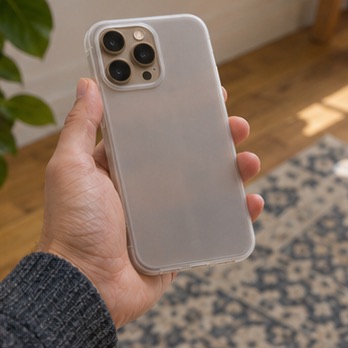
Check the case against your pocket, charging cable, and daily mounts before you compare materials.
You can keep two computers on one desk with a video input toggle, a USB switch, or a full KVM. The right choice depends on what you swap.
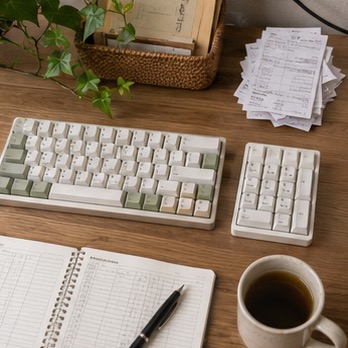
A detachable number pad can reclaim mouse space, while a full-size board suits a desk built around frequent number entry.
Choose a fit you can trust on the move and controls that make sense on the route you actually run.
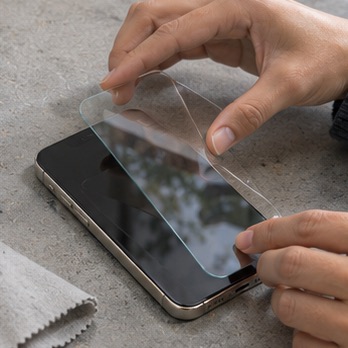
Decide which annoyance you want to solve first, then check how the protector will affect your display.
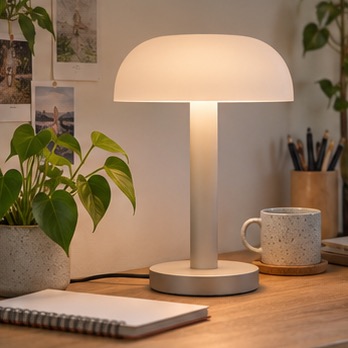
A lamp for both paper and calls needs to reach two different spots. Adjustability and a soft shade are worth checking in person.
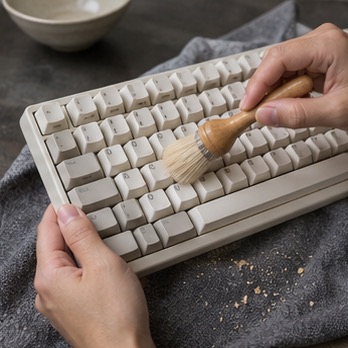
Start with a brush and a lint-free cloth. Save bigger purchases for the parts that are actually worn.
A small purchase can keep your favorite wired headphones useful. Match the port, microphone, and case first.
Compare a plug-in flash drive, a portable SSD, and a laptop transfer around the way you shoot and store files.
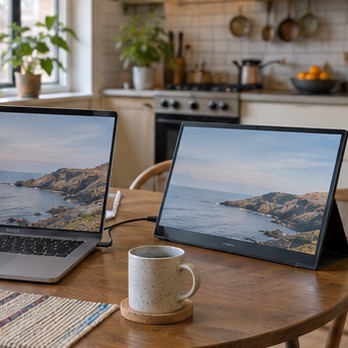
Measure the whole kit and check the video path first. A portable display pays off when it solves a recurring delay away from your regular desk.
Move one awkward shortcut, learn where the setting lives and avoid paying for more programmable keys than you need.
Look for useful volume, a place to put the speaker, and controls you can find while your hands are busy.
Compare a laptop-style case with a separate stand and keyboard before adding weight to your tablet.
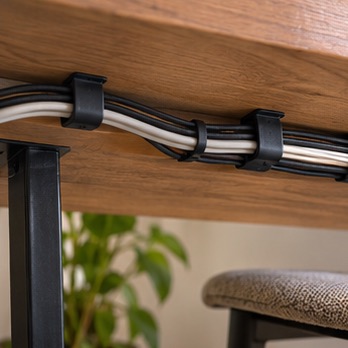
Tidy a rented desk with reusable ties, a compact tray, and repairs you can do without leaving screw holes.
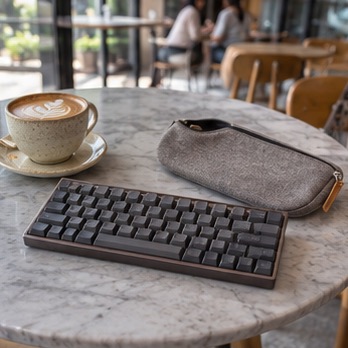
Choose a travel keyboard by checking bag fit, real table space, sound and the first connection of the day.
A good two-device setup follows the calls and media you use all day. Here is what to verify before paying for it.
For recipes, repairs, and craft tutorials, choose a mount according to camera position, stability, and the room you have.
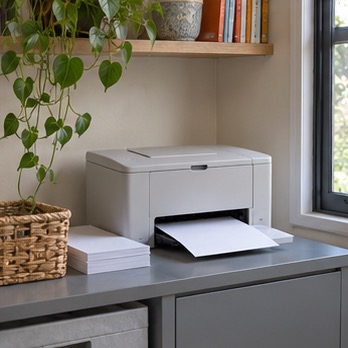
Shipping labels and school worksheets call for different features than photo projects. Look at your last few print jobs before buying.