A short cable can fix a messy wired CarPlay or Android Auto setup
Find the right vehicle port and take a look at the cable before replacing anything expensive.
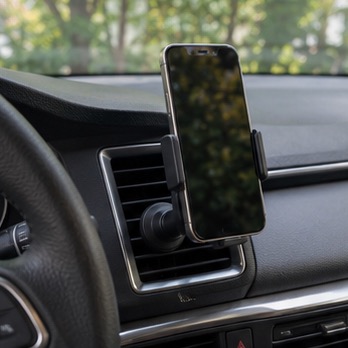
You set up a route while parked, tuck the phone below the dashboard, and realize the cable runs across the cup holder and handbrake. A long spare cable got you connected. It also turns every coffee stop into a small rearranging job.
If your vehicle already supports a wired phone connection, the upgrade may be as simple as the right cable in the right length. Read the vehicle or stereo manual first. Find the particular port intended for phone integration, since some ports in the same car may be provided for charging alone.
Confirm both connectors and data support
Check the phone and car ends before you shop. A car with a rectangular USB-A port and a USB-C phone takes a different cable from a car with USB-C at the console. The cable must carry data for a wired connection. Apple’s instructions also tell you to look for the CarPlay or phone symbol where the vehicle provides one.
If wired Android Auto is unreliable, Google suggests trying the manufacturer-supplied cable and using a short, good-quality replacement if needed. Its troubleshooting guidance also recommends avoiding USB hubs and extensions. Try a known-working cable while the car is parked before deciding the stereo itself needs attention. Test audio and navigation before leaving the parking space.
Measure from socket to resting spot
Set the phone down where it will normally rest, then measure the real cable route. You want enough slack to keep pressure off the plug and little enough spare length that the wire stays clear of the vehicle controls. A right-angle plug can help inside a narrow cubby. Check the direction of its bend against the case and port orientation before ordering.
Keep wireless adapters as a separate decision
If your head unit already supports wireless connectivity, try the manufacturer’s pairing process before buying anything. A separate wireless adapter is a convenience purchase for a compatible wired setup. Look for support for the exact car or head unit, and compare startup behavior and return terms. If two drivers swap the main car frequently, consider whether a simple cable handoff would be easier than managing paired phones.
Further reading
Related guides
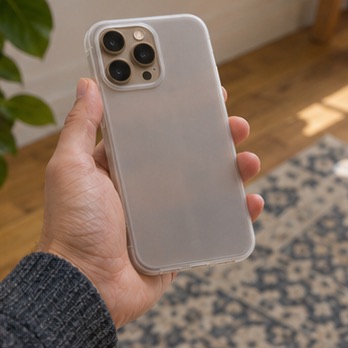
How to buy a slim phone case that won’t get in the way
Check the case against your pocket, charging cable, and daily mounts before you compare materials.
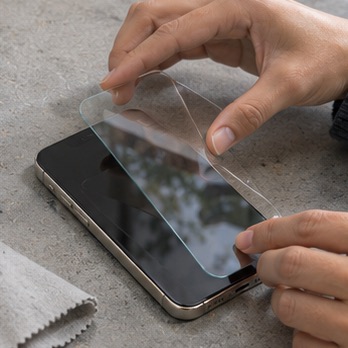
Glass, film, or privacy glass? A phone screen protector guide
Decide which annoyance you want to solve first, then check how the protector will affect your display.
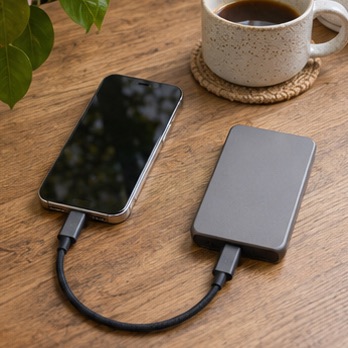
How to pick a portable drive for backing up phone photos
Compare a plug-in flash drive, a portable SSD, and a laptop transfer around the way you shoot and store files.