How to Choose a Monitor for a Shallow Desk
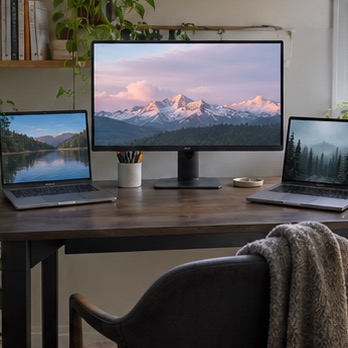
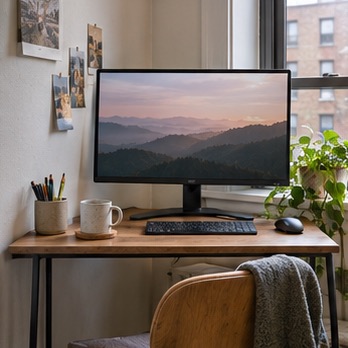
A monitor with the right stand and comfortable text scaling can make a small desk easier to use. Start with the space behind your keyboard.
Displays, docks, cameras and small improvements for an everyday workspace.
A monitor with the right stand and comfortable text scaling can make a small desk easier to use. Start with the space behind your keyboard.
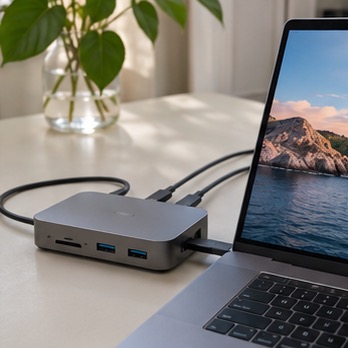
A dock can turn a laptop into a practical desktop setup. Check the display combination, charging output, and the ports you use together before you shop.
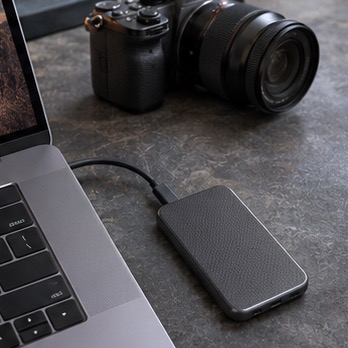
Choose a drive that fits your photo library, working habits, and the computer you use to copy files.
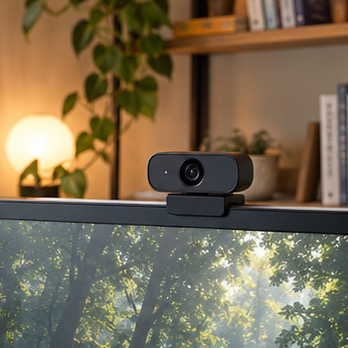
For evening calls, a camera you can position well and a softer light usually matter more than the largest resolution printed on the box.
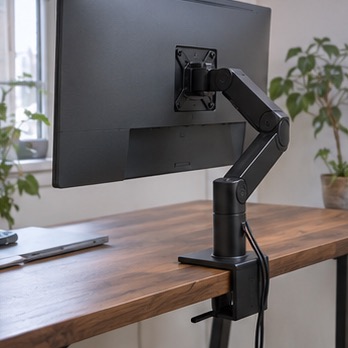
A good arm frees the surface below the display. The clamp, screen weight, and space behind the desk tell you whether it will work.
You can keep two computers on one desk with a video input toggle, a USB switch, or a full KVM. The right choice depends on what you swap.
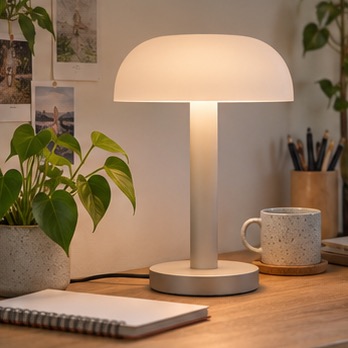
A lamp for both paper and calls needs to reach two different spots. Adjustability and a soft shade are worth checking in person.
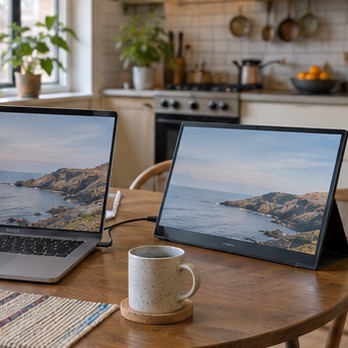
Measure the whole kit and check the video path first. A portable display pays off when it solves a recurring delay away from your regular desk.
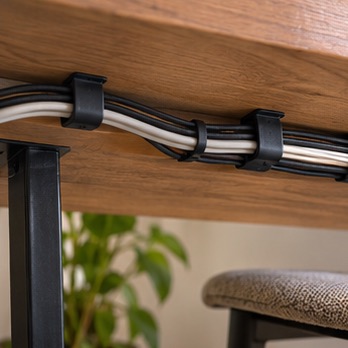
Tidy a rented desk with reusable ties, a compact tray, and repairs you can do without leaving screw holes.
Shipping labels and school worksheets call for different features than photo projects. Look at your last few print jobs before buying.