Cable Management for a Rental Desk
Tidy a rented desk with reusable ties, a compact tray, and repairs you can do without leaving screw holes.
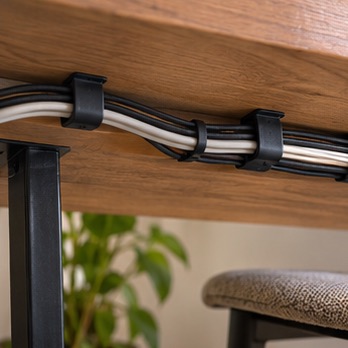
The work area looks tidy from the door, but your foot finds the webcam cable every time you roll the chair closer. In a rental, drilling under a borrowed desk may be out of the question. You can still organize the cables so they are easy to reach and easy to remove.
Start with the desk plugged in as you usually use it. Identify the cords you unplug every day, the ones that stay put, and the ones that move when you lift the laptop or adjust a monitor arm. Give each group its own route.
Keep daily connectors where your hand goes
A small cable holder at the front or side of the desk can stop a loose charging cable from sliding to the floor. Match the holder slots to the actual cord diameter. If you move the laptop frequently, use a holder you can operate with one hand.
Adhesive products vary in the surfaces they are designed for. Check the manufacturer’s directions and the furniture finish before attaching one. A clip that grips the edge or a weighted cable holder can do the job on a surface you need to keep pristine.
Use a tray where several cords meet
A clamp-on under-desk tray can hold cables that stay connected. Measure the clear edge and check under the desk for a frame, a drawer, or a brace that would block the clamp. Place the tray so its contents remain reachable without moving the whole desk.
Use reusable hook-and-loop ties where you may replace a device. Separate the short loose ends that go to the laptop from longer cords heading toward the back of the desk. A tray is most helpful when it creates a route that will still work after one cable changes.
Leave enough slack for movement
Move the chair, laptop, and monitor through their usual range before tightening any ties. A sit-stand desk needs enough cord length to reach the outlet at its tallest setting. Make sure cables stay clear of the moving parts.
Buy a few organizers that fit the hardest part of the setup first. For a single loose charging lead, one edge clip can be enough. For several devices at a shared desk, a tray and removable ties can simplify changes without committing you to a permanent installation.
Related guides
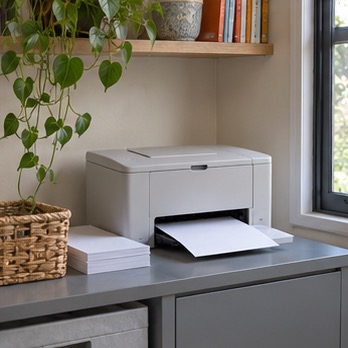
A Home Printer for the Pages You Actually Print
Shipping labels and school worksheets call for different features than photo projects. Look at your last few print jobs before buying.
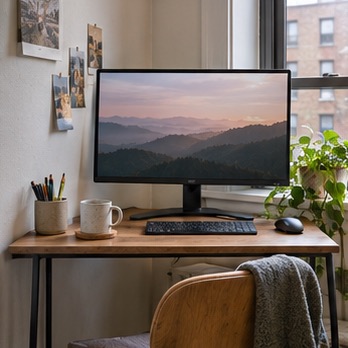
How to Choose a Monitor for a Shallow Desk
A monitor with the right stand and comfortable text scaling can make a small desk easier to use. Start with the space behind your keyboard.
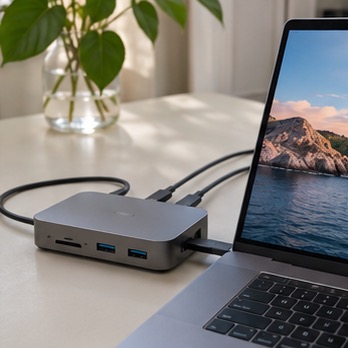
What a One-Cable Laptop Dock Actually Needs to Do
A dock can turn a laptop into a practical desktop setup. Check the display combination, charging output, and the ports you use together before you shop.