How to Choose a Monitor for a Shallow Desk
A monitor with the right stand and comfortable text scaling can make a small desk easier to use. Start with the space behind your keyboard.
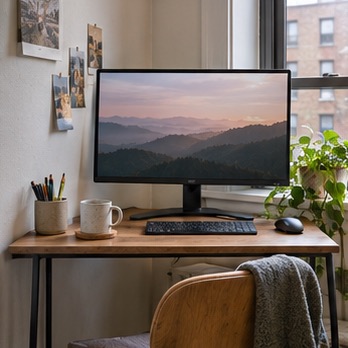
A shallow desk looks generous until a monitor stand sits where your keyboard used to go. Then the screen creeps forward, your chair rolls back, and the small space you spent time setting up feels awkward. This is a common issue in bedrooms where a workstation shares the wall with a wardrobe or a doorway.
Measure the usable depth with the desk in its usual position. Leave room for your hands in front of the keyboard and account for cables behind the screen. Once you know that remaining depth, finding a good monitor gets much easier.
Start with the footprint
Look at top and side views of the stand in the manufacturer’s drawings. A wide V-shaped stand may have more usable space between its legs than a chunky rectangular pedestal. Extra depth matters more when those legs angle out toward your mouse hand.
A flat base accommodates a notebook or a small dock more easily. If there is a shelf behind the monitor, check where the cables come out and whether their connectors will fit with the screen in your preferred position.
Size the screen around the work
For email, homework, and a single browser window, a compact monitor can give you enough room to leave the laptop screen open beside it. Spreadsheets and long documents can benefit from a higher-resolution panel if your operating system scales text comfortably at your viewing distance.
If a screen looks sharp in a store but the interface seems tiny, look at the operating system’s scaling controls before deciding. On Windows, select the external display in Display settings and inspect the recommended scale. A sharp screen should also make long notes easy to read.
Spend on the features you will touch
Height adjustment is worth considering when the workstation is shared or your chair moves between two heights. A stable fixed stand can work if it already reaches a comfortable position. If you expect to add a display arm later, check for compatible mounting holes before you buy.
A one-cable monitor can tidy a laptop desk if its USB-C connection supports the video and charging you need. If your current charger and video cable tuck neatly behind the screen, a straightforward monitor with the right video input can be a better buy.
Further reading
Related guides
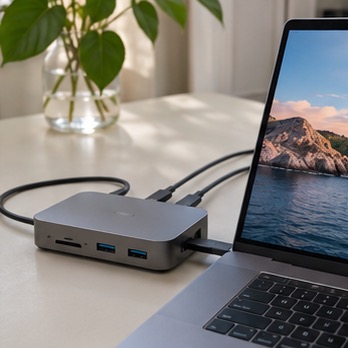
What a One-Cable Laptop Dock Actually Needs to Do
A dock can turn a laptop into a practical desktop setup. Check the display combination, charging output, and the ports you use together before you shop.
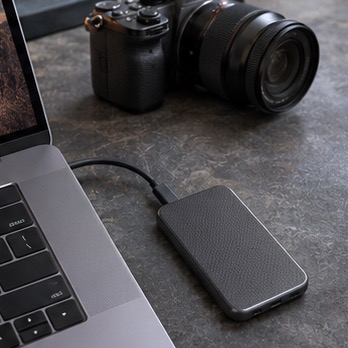
Buying a Portable SSD for Photo Backups
Choose a drive that fits your photo library, working habits, and the computer you use to copy files.
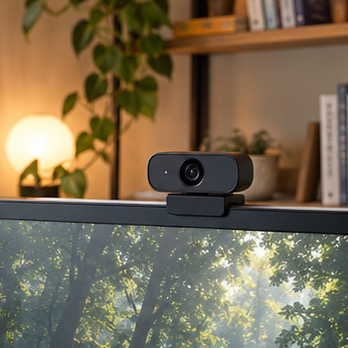
Which Webcam Upgrades Help in a Dim Room?
For evening calls, a camera you can position well and a softer light usually matter more than the largest resolution printed on the box.