A Home Printer for the Pages You Actually Print
Shipping labels and school worksheets call for different features than photo projects. Look at your last few print jobs before buying.
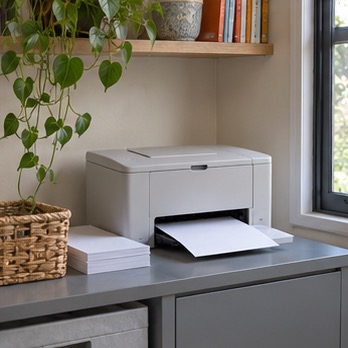
Late in the evening, you need a return label for a parcel you plan to drop off in the morning. It is the third time this month you have needed a printer, and each trip to the copy shop adds a stop to your day. Owning one starts to make sense if those short jobs are a regular nuisance.
List the last handful of things you printed. Note whether each one needed color, whether it had to be printed immediately, and which phone or computer held the file. The answers can make the decision between a basic printer and a larger all-in-one much easier.
Choose the output the household needs
A monochrome laser printer suits shipping labels, forms, and text handouts when black and white is enough. A color inkjet is worth comparing if your usual jobs include photos or color handouts. Check the printing and upkeep directions for the exact model, especially if long gaps between jobs are likely.
If you only need the occasional photo or color worksheet, outside printing may cover those jobs while a basic printer handles text at home. A scanner earns its space if you regularly copy stacks of paperwork, and a phone scanning app may cover the occasional single page.
Check ongoing costs and shelf space
Find the exact replacement toner or ink and check what comes in the box. Some printers also have a separate drum or maintenance container. Compare what it takes to keep each model working given how little or how often you print. Inkjet head-cleaning routines can use ink as well.
Measure the printer with its paper tray and output support extended. Leave room to open the lid or reach the cartridge area if you place it on a shelf. It is easier to check these measurements now than to pull it out for every job.
Verify the route from phone to page
If you print mainly from an iPhone, check whether the exact model supports AirPrint and can join the same network. If you prefer a wired printer, verify the supported operating system and whether the USB cable is included.
Consider the controls on the printer itself. A clear status display can simplify paper jams and network setup in a household where several people print. A small printer with familiar controls is easier to use when you only touch it once or twice a month.
Further reading
Related guides
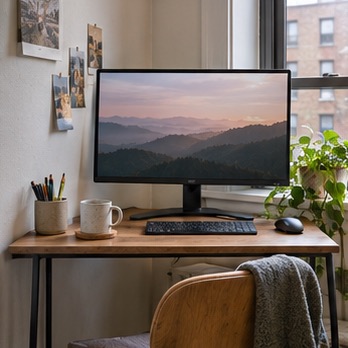
How to Choose a Monitor for a Shallow Desk
A monitor with the right stand and comfortable text scaling can make a small desk easier to use. Start with the space behind your keyboard.
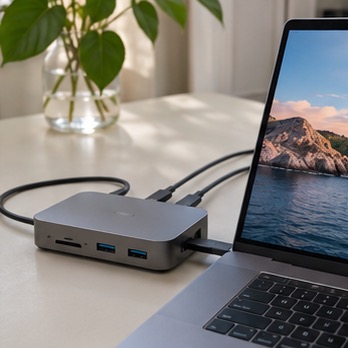
What a One-Cable Laptop Dock Actually Needs to Do
A dock can turn a laptop into a practical desktop setup. Check the display combination, charging output, and the ports you use together before you shop.
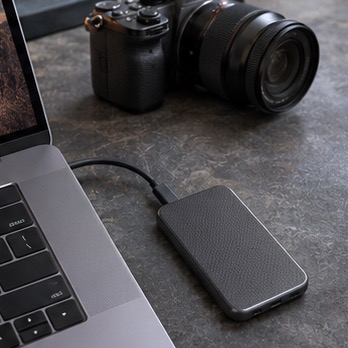
Buying a Portable SSD for Photo Backups
Choose a drive that fits your photo library, working habits, and the computer you use to copy files.