Will a Monitor Arm Give You More Desk Space?
A good arm frees the surface below the display. The clamp, screen weight, and space behind the desk tell you whether it will work.
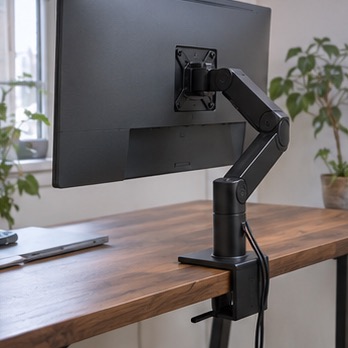
The monitor’s stand occupies the one clear spot where you could write in a notebook. A clamp-on arm sounds ideal until you discover a metal crossbar just under the desktop or find that the elbow of the arm hits the wall whenever you push the screen back.
Measure the desk with the screen in its usual position. Check the top edge, the underside, and the space behind the furniture. A monitor arm is an upgrade when it creates room you can use every day and keeps the screen easy to place.
Read the mounting diagram
Find your monitor’s mounting-hole pattern and its weight without the factory stand. Check both against the arm’s supported range. Some counterbalanced arms also have a minimum weight, which matters if the screen is small and light.
Look at the back of the display. A recessed mount may require hardware provided by the monitor maker or an adapter. Read the manuals for both products and use the specified screws and spacers. Keep the original stand in case you move the screen later.
Check how the clamp meets the desk
Check the thickness the clamp accepts and the depth of its upper and lower contact pads. A desk can be thin enough for the clamp yet have a lip or rail that blocks it from seating flat. Use a desk the manufacturer approves for that type of load. Follow its guidance if the top is glass, hollow, or fragile.
A grommet mount may be useful if the furniture has an appropriate existing hole. A freestanding arm is an option when you cannot attach anything to the desk, though its base still occupies some of the surface you want to free.
Compare movement with your routine
A simple pole mount may suit a monitor that stays in one position. An articulating arm becomes handy when you slide the display aside to sketch, rotate it for reading, or share the desk with someone taller. Check the manufacturer’s diagram for the folded depth and minimum height.
Set aside enough length in the display and power cables for movement. After mounting, steady the monitor with one hand and check the arm through its normal range. If your ideal arrangement requires limits the hardware cannot comfortably meet, a compact stand may fit the space better.
Related guides
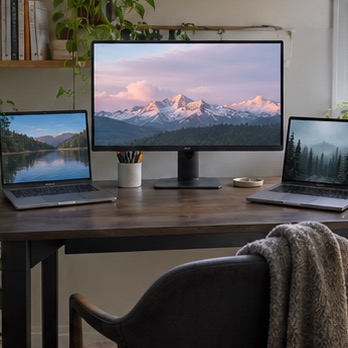
Sharing One Monitor Between a Work Laptop and a Home Laptop
You can keep two computers on one desk with a video input toggle, a USB switch, or a full KVM. The right choice depends on what you swap.
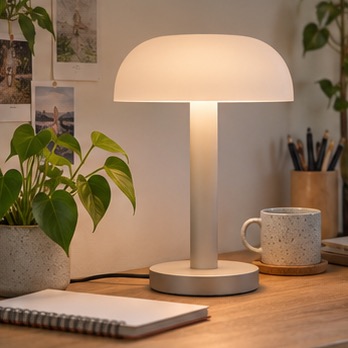
One Desk Lamp for Evening Work and Video Calls
A lamp for both paper and calls needs to reach two different spots. Adjustability and a soft shade are worth checking in person.
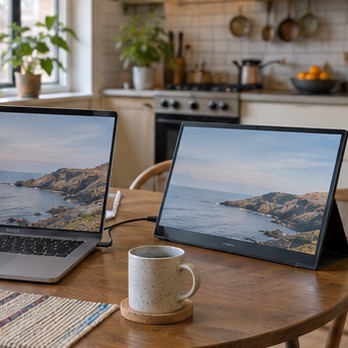
Is a Portable Second Monitor Worth Carrying?
Measure the whole kit and check the video path first. A portable display pays off when it solves a recurring delay away from your regular desk.