Sharing One Monitor Between a Work Laptop and a Home Laptop
You can keep two computers on one desk with a video input toggle, a USB switch, or a full KVM. The right choice depends on what you swap.
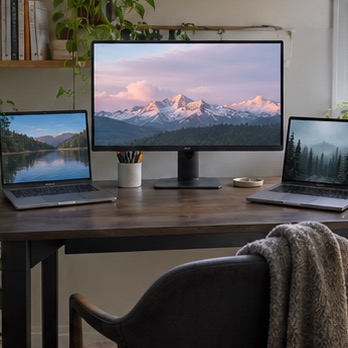
At the end of the workday, you unplug your company laptop and slide your own computer onto the same desk. Then you fish a keyboard cable out from behind the monitor and move the webcam connector again. You can simplify that changeover with equipment you may already own.
Write down what you want each laptop to use. The monitor is usually first. The same keyboard and mouse are helpful if both machines sit off to one side. A microphone, webcam, or network connection can make the changeover more demanding.
Try the monitor’s inputs first
If the monitor has two suitable video inputs, connect each computer to its own input and switch from the monitor controls. Find out how many presses that takes. A dedicated input button makes the routine easier than a menu hidden under several layers.
A keyboard and mouse that can pair with multiple devices may be enough when those are the only peripherals you use. For wired gear, a USB switch can share the keyboard and mouse while video continues to go directly to the monitor. That keeps the video connection simple.
Consider a KVM for a one-step switch
A keyboard-video-mouse switch combines the display and USB changeover. A monitor with this feature built in can keep more cables off the desk. Check the connections it needs from each computer, since the video connection alone may leave the USB devices unavailable.
Review the maximum resolution and refresh rate at the ports you will use. Check whether audio and webcams are listed as supported. If the work machine has restrictions on software or USB hardware, ask your IT team which type of switch you can connect.
Keep charging and storage separate when practical
Decide how both laptops will charge while they are on the desk. A KVM may handle video and peripherals while the original laptop chargers stay connected. A monitor with suitable USB-C power might handle both tasks for one of the laptops.
Leave a backup drive connected to the computer that manages it. If you switch a shared storage device between computers, use the operating system’s eject command before switching. Keep only the peripherals you intend to share on the switching side.
Related guides
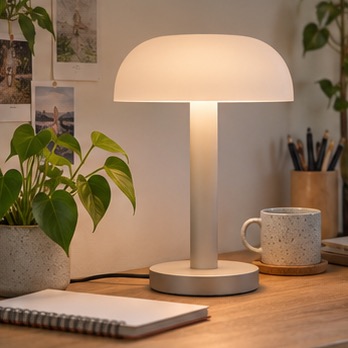
One Desk Lamp for Evening Work and Video Calls
A lamp for both paper and calls needs to reach two different spots. Adjustability and a soft shade are worth checking in person.
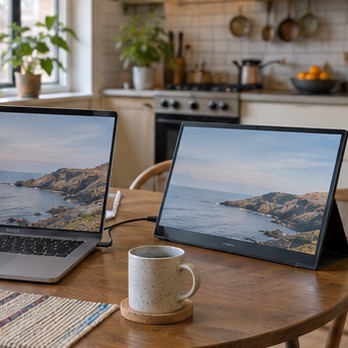
Is a Portable Second Monitor Worth Carrying?
Measure the whole kit and check the video path first. A portable display pays off when it solves a recurring delay away from your regular desk.
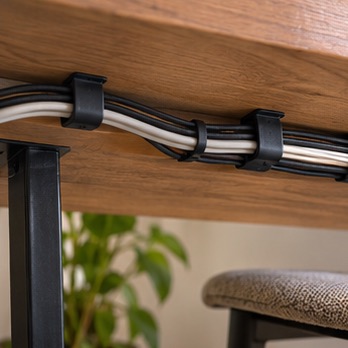
Cable Management for a Rental Desk
Tidy a rented desk with reusable ties, a compact tray, and repairs you can do without leaving screw holes.