A practical first keyboard remap
Move one awkward shortcut, learn where the setting lives and avoid paying for more programmable keys than you need.
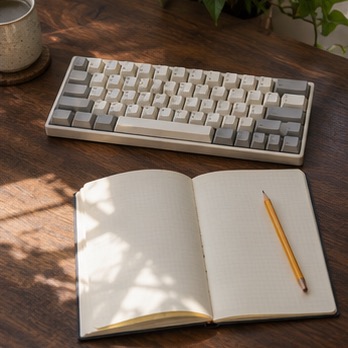
Your hand has to stretch for the same shortcut twenty times a day, but there is a key near your thumb that you barely touch. That is a good candidate for a remap. Start with one action you already use and a mapping you can undo. The fastest way to find out whether you need a programmable keyboard is to see if a small change improves your real work.
Write the current shortcut and its replacement on paper. Choose an action you can try in a harmless file, such as moving the cursor to the start of a line or inserting a common formatting command. Check if the app already lets you change it. An in-app shortcut also keeps the key's ordinary behavior everywhere else.
Find out where the mapping runs
An operating-system utility is helpful when you use one personal computer and have permission to install it. Microsoft's PowerToys Keyboard Manager, for example, applies its mappings only while PowerToys is running. If you need the mapping on two computers or at an office where installing software is restricted, look for a keyboard with onboard storage and verify the behavior for that exact model.
Use a layer for secondary actions
A layer works like a familiar laptop function key. Hold one key and the nearby keys take on a second role. A compact board can put Home, End and other occasional actions together on a layer without giving up their ordinary letter positions. Put the highest-frequency action in the easiest spot and leave the rest where you already know them. Back up the original keymap if the tool supports exporting it.
Test the tools you depend on
After the change, try it in your usual app, an empty text field and any remote desktop environment you rely on. Confirm what happens after a restart or after moving the keyboard to another machine. If you're buying a programmable board, read the setup instructions before ordering. Check for firmware support, whether remapping needs a wired connection and which features work without the vendor program open.
Further reading
Related guides
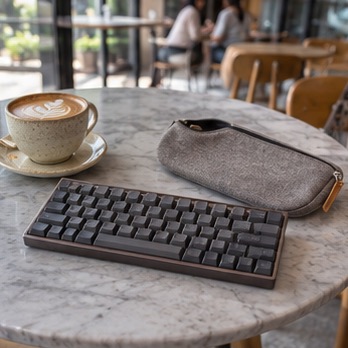
The keyboard worth packing for a café workday
Choose a travel keyboard by checking bag fit, real table space, sound and the first connection of the day.

The quiet keyboard buying guide
A good late-night keyboard starts with the right switches, a steady spacebar and a desk that doesn't amplify every keystroke.
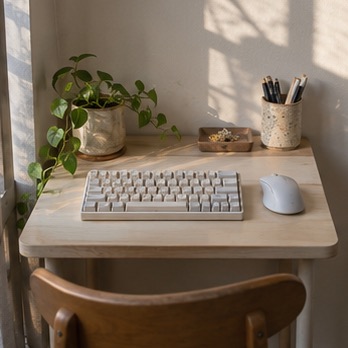
65% vs. 75% vs. tenkeyless keyboards
Choose a compact layout by watching what your hands do during work, editing and play.