The keyboard worth packing for a café workday
Choose a travel keyboard by checking bag fit, real table space, sound and the first connection of the day.
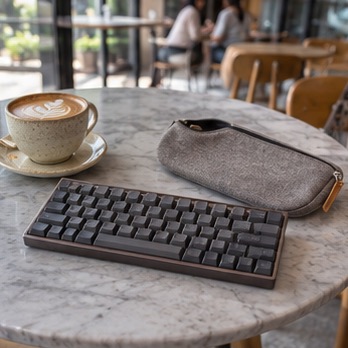
A small café table looks generous until the laptop, a glass of water and a notebook are on it. A portable keyboard can still make sense if you raise a laptop on a stand or work from a tablet. The best buying decision starts with the space you actually have and the keys you need for the tasks you plan to finish away from home.
Set up at home with only what normally fits in your bag. Use the notepad, drink and mouse you really carry. Mark the footprint left for a keyboard and measure the pouch or bag pocket it will go into. This is more useful than a listing that says travel-friendly without showing the real dimensions.
Give the board a reason to be in the bag
For quick replies, the laptop keyboard is already there and always connected. A separate keyboard pays off on a stand or with a tablet that has no comfortable typing surface. A thin, familiar compact board is a reasonable choice for essays and inbox work. A folding model can save packing space, but check the hinge position, key spacing and stability at the center. If you work with navigation shortcuts, find the arrow keys and Delete in the exact layout diagram.
Measure the things the product photo leaves out
Check the listed weight alongside the other things you carry and leave space for a cover or sleeve. Inspect where the charging port and power switch sit. A rear port may need more space between the keyboard and the laptop stand. A physical off switch can help when the keyboard rides under books. In quiet shared rooms, choose a key feel you can use without hammering the table.
Rehearse a cold start
Before leaving home, type in the app you intend to use, turn the keyboard off and repeat the setup from scratch. Try your usual copy and paste, accents or shortcuts. Check whether your tablet already supports the connection you intend to use and bring one compatible charger or cable if it needs power. A keyboard that takes a minute to reconnect at every stop can be more trouble than the desk space it saves.
Related guides

The quiet keyboard buying guide
A good late-night keyboard starts with the right switches, a steady spacebar and a desk that doesn't amplify every keystroke.
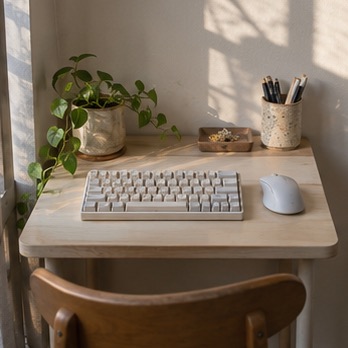
65% vs. 75% vs. tenkeyless keyboards
Choose a compact layout by watching what your hands do during work, editing and play.
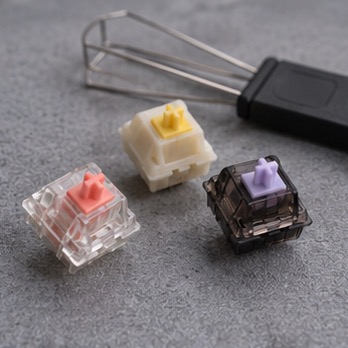
How to try mechanical switches before buying a whole set
A small sampler can save a full-box purchase if you test it the way you actually type.