65% vs. 75% vs. tenkeyless keyboards
Choose a compact layout by watching what your hands do during work, editing and play.
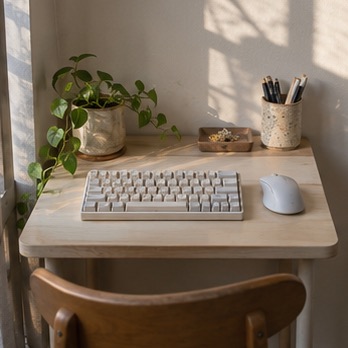
On a shallow desk, a full-width keyboard can push the mouse halfway off the mat. Swapping to a compact board buys back room on the right. The tradeoff arrives the first time you need a screenshot shortcut, Ctrl–Page Down in a workbook or a key you normally find without looking.
Layout names are a useful starting point. The actual key diagram matters more. Two keyboards sold as 75% can put Delete, Page Up and Page Down in different places, and a familiar key can disappear entirely on a tight 65% board.
When 65% earns its space
A 65% board typically keeps physical arrow keys and loses the dedicated function row. It fits a small writing desk or a working setup where the mouse needs a broad sweep. It can also be practical next to a laptop with a function row you can reach occasionally. Open your calendar, editor and usual game before ordering and note every shortcut that would become a two-key action.
Look at the right-hand cluster in the manual. Delete may sit on a physical key or on a secondary layer. A condensed right Shift may also take a little adjustment if you use it by feel.
Where 75% starts to make sense
For editing, coding or switching between browser and desktop shortcuts, the dedicated function row usually justifies the extra height. A 75% can still leave plenty of mouse room. Look for a small gap around the arrow keys if you tend to overshoot on tightly packed boards. It provides a tactile boundary that you can find without glancing down.
The case for tenkeyless
A tenkeyless board usually keeps the familiar separate navigation and arrow clusters while doing away with the numeric keypad. Choose it when you repeatedly use Home, End, Insert or the navigation keys in rapid succession. It tends to take up more width than a 75%, so measure the width of your desk and leave enough room for the way you actually move your mouse.
Before buying, draw the dimensions on paper and set it where the keyboard will sit. Put down the mouse too, then reach for your coffee, use your trackpad or run a few pretend shortcuts. A layout should make this everyday arrangement more natural.
Related guides
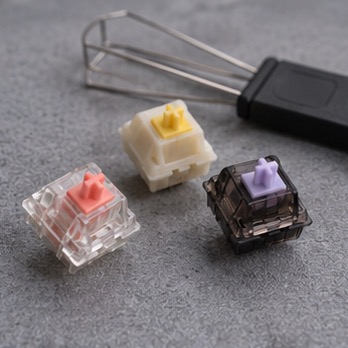
How to try mechanical switches before buying a whole set
A small sampler can save a full-box purchase if you test it the way you actually type.
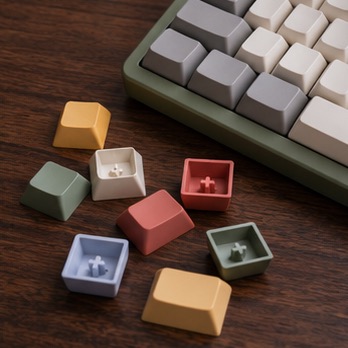
Will those keycaps actually fit your keyboard?
Work through the switch mount, regional layout and unusually sized keys before buying a replacement set.
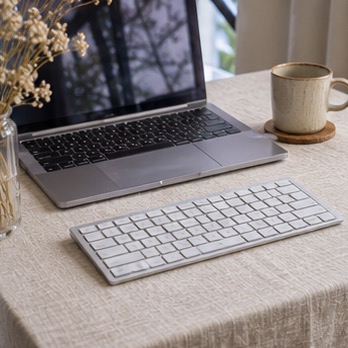
When a low-profile keyboard is worth it
A slimmer board can make sense for laptop users, travelers and shallow desks. Compare the front edge and the keys together.