Choose a USB microphone for a small, echoey room
A workable voice setup begins with speaking distance and room layout. Buy the mic and stand together in your head.
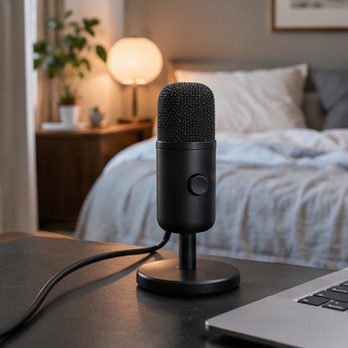
A bedroom office can sound surprisingly roomy when you record a presentation. Bare walls bounce your voice back, the window admits street noise, and a microphone planted behind the keyboard collects each keystroke. Turn your first purchase into a placement decision so you know what the microphone can reasonably do.
If you will record one speaker at the same desk most days, look for a USB microphone with a directional pickup pattern and a stable way to position it close to you. A desk arm can be more useful than a microphone upgrade if the upgrade would still sit far away.
Try a different position before you order
Record a few lines on your phone where the microphone would sit. Then move the phone closer, keep your voice at the same level, and compare. This is a simple way to hear whether the room or your distance from the microphone is causing more trouble. Test at the time of day you normally record so fans, traffic, and family activity are part of the comparison.
A cardioid microphone is designed to pick up sound mainly from the front, so check which face is the front before positioning it. Speaking into the wrong end undermines the benefit. If the laptop fan is particularly loud, try putting it behind the microphone and moving the keyboard a little farther away.
Match the controls to your recording
For a voice-over with a script, a headphone jack with direct monitoring can make it easier to hear clipping, rustles, and breath pops while you record. A physical gain control is helpful if you alternate between a quiet conversation and a louder read. Put the microphone slightly off to one side and use a windscreen or pop filter if words with hard consonants spike in level.
If you mostly join video calls, an adjustable boom headset might keep your mouth-to-mic distance more consistent while you turn to a second screen. A dedicated USB microphone earns its desk space when you also record narration, host remote interviews, or want clearer control over how your voice is captured.
Buy a setup that fits the desk
Measure desk-edge thickness and clearance beneath the top before paying for a clamp. Allow space for the cable to bend at the microphone and confirm its mounting thread. If your desk cannot take a clamp, a low stand that fits between the laptop and monitor can still keep the microphone close enough to get useful results.
Further reading
Related guides
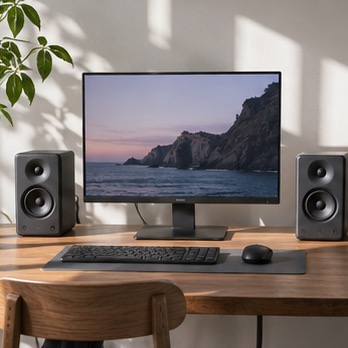
Small desktop speakers for a desk with no room to spare
Make space for conversation and music without surrendering your whole desk to a pair of speakers.
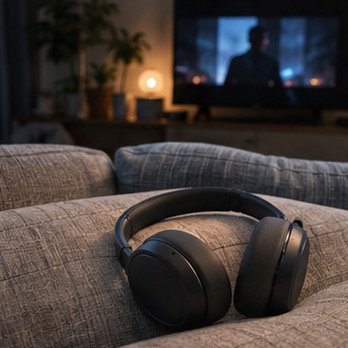
How to choose headphones for late-night TV
Check what the television can send, how much delay you notice, and whether anyone else needs to hear the same show.

Running earbuds for sidewalks, parks, and rainy mornings
Choose a fit you can trust on the move and controls that make sense on the route you actually run.