How to choose headphones for late-night TV
Check what the television can send, how much delay you notice, and whether anyone else needs to hear the same show.
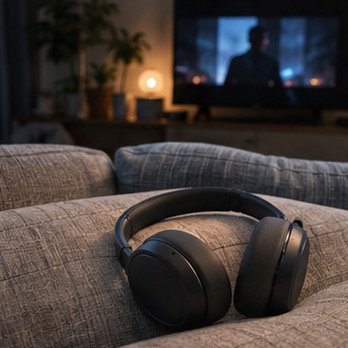
It's late, someone else is already asleep, and the dialogue in your show keeps disappearing under the music. Before buying a dedicated pair of TV headphones, check whether the TV can already send sound to a headset you own. One pairing attempt can tell you more about your setup than a row of wireless logos.
Your decision depends on where sound comes from. A streaming box, a soundbar, and a game console might all be involved, and their connections behave differently. Look at the device sending audio during the shows you actually watch, then choose a way to get that signal to your seat.
Start with the television's output menu
Look for Bluetooth headphones in the sound settings and pair a borrowed or existing set first. Try the built-in apps and any HDMI device you watch regularly. Confirm that the remote adjusts the volume as expected. If someone in the room also wants to hear the TV, consult the manual for a dual-output or accessibility mode. Speaker-plus-headphones behavior varies by model and can be different when a soundbar is connected.
Check whether the TV remembers your headset the following day and whether it returns to the usual speakers after you turn the headset off. These automatic habits matter when the rest of the household uses the same remote.
Listen for lip sync on dialogue
Put on a talking-head clip with faces clearly visible and compare the words you hear with the movement you see. Do this with your usual source, since one app may behave differently from a console. If the delay distracts you, look for a dedicated transmitter and matching headphones with documented low-latency operation. Check its audio input against the ports on the TV. An optical transmitter may also require changing the television's digital output to PCM, depending on the transmitter.
A long wired cable avoids wireless pairing and can be a straightforward option for a seat close to the screen. Plan a route along a wall or behind furniture so the cable stays out of the path between the sofa and the doorway.
Buy for use from the couch
A dock that charges the headphones when you set them down makes sense for a pair that never leaves the living room. For a shared pair, prioritize plain controls and cushions that are easy to wipe down. If dialogue remains hard to follow, check whether your TV already offers clearer speech or subtitles before paying extra for a dialogue-enhancement feature.
Further reading
Related guides

Running earbuds for sidewalks, parks, and rainy mornings
Choose a fit you can trust on the move and controls that make sense on the route you actually run.
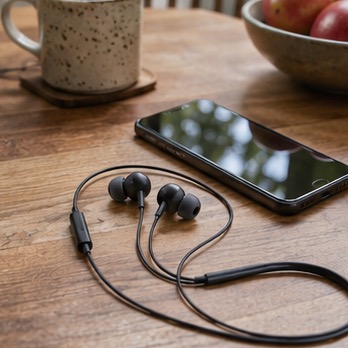
USB-C wired earbuds or a headphone adapter?
A small purchase can keep your favorite wired headphones useful. Match the port, microphone, and case first.
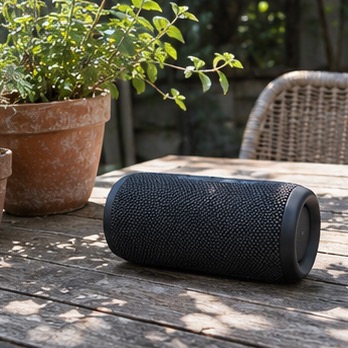
A small Bluetooth speaker for the kitchen and patio
Look for useful volume, a place to put the speaker, and controls you can find while your hands are busy.