USB-C wired earbuds or a headphone adapter?
A small purchase can keep your favorite wired headphones useful. Match the port, microphone, and case first.
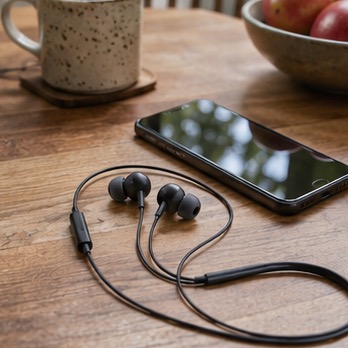
You plug your usual wired earbuds into a new phone with an adapter and the music plays. On the first call, the person at the other end hears the microphone on the phone across the desk. Getting a wired setup right means checking the entire signal path, including the simple functions you took for granted on the old phone.
USB-C earbuds are convenient if you want one piece to tuck into a pocket. A headphone adapter is the better starting point if you already have a comfortable pair or switch between a new phone and a device with a traditional headphone jack.
Verify what your device accepts
Search your phone or tablet maker's support page for your exact model and its wired-audio options. If you are putting a 3.5 mm headset on a USB-C port, a digital adapter with its own digital-to-analog converter is a useful place to start, provided the maker specifies compatibility. A USB-C plug shape by itself tells you little about what an adapter can do.
If you take calls, check the listing for microphone support and inline controls. Some adapters advertise headphone output only. If your headset has a removable cable, confirm the replacement cable itself includes the microphone. Test play, pause, and calls on your actual devices because those features may vary independently.
Think about the connection in a pocket
Thick phone cases can block the collar of a plug before the connector makes full contact. Compare the shape of the plug with the opening in your case or see whether the adapter maker lists a narrow housing. A short flexible adapter can take some pressure off the phone port as you move, while a rigid adapter is easier to keep track of on a stationary setup.
If you need to charge while listening, verify that a splitter explicitly supports charging and audio at the same time on your specific device. Separate charging and listening sessions can be simpler if your commute is short and you want fewer parts to carry.
Decide which piece you would rather replace
If an old pair is comfortable and sounds good, try a compatible adapter first. Buy an integrated USB-C pair if you prefer to keep a single cable in your bag. For a desk drawer backup, look for a flexible lead and recognizable volume controls. Those are more likely to matter during a rushed call than an extra listening mode.
Further reading
Related guides
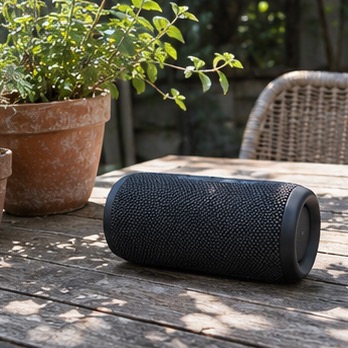
A small Bluetooth speaker for the kitchen and patio
Look for useful volume, a place to put the speaker, and controls you can find while your hands are busy.
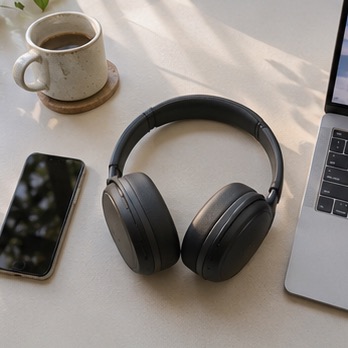
Multipoint headphones for a phone and work laptop
A good two-device setup follows the calls and media you use all day. Here is what to verify before paying for it.
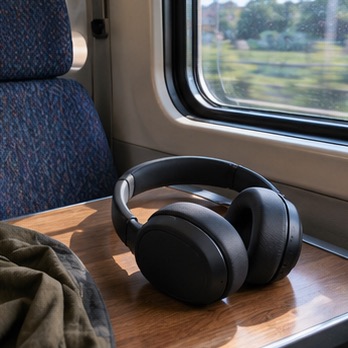
How to buy noise-canceling headphones for the commute
Start with the noise you actually hear, then find a pair you can keep on from the platform to your desk.