Multipoint headphones for a phone and work laptop
A good two-device setup follows the calls and media you use all day. Here is what to verify before paying for it.
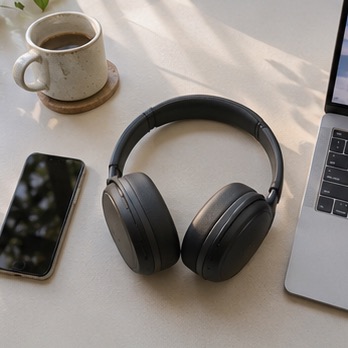
You're watching a short training video on your work laptop when the phone rings. If you have to disconnect from the laptop and pair the headphones again while the phone is ringing, it may be time to look for multipoint. The feature can save a daily round of reconnecting, but the order in which devices get priority varies.
Start by listing the devices that matter and the sort of audio you use on each. When the laptop plays media and the phone handles ordinary calls, the setup is usually easy to describe. When both devices also run meetings, music, and chat apps, check the manufacturer's switching examples before assuming your routine will work smoothly.
Read past the number of saved devices
Headphones can remember more than one device and still keep just one audio connection active. Look for documentation that explicitly says two devices can stay connected at once. If you use a work PC and a personal phone, verify whether the headset requires a management app to enable the feature and whether you can run that app on the phone alone.
Device switching inside a single manufacturer's ecosystem can also be convenient when you own that maker's phone and laptop. If you routinely mix brands and operating systems, the more useful product description shows how to enable standard multipoint and gives steps for your two devices.
Try the interruptions you get at work
Play a video on the computer and call your phone from another device. Answer, hang up, and see which source resumes. Repeat with your meeting app active and check whether its microphone remains selected when the phone call is over. A device that stays connected can still take control in ways you find distracting.
If your computer goes to sleep between meetings, test the wake-up sequence too. You might need to open the headset app once to choose which devices reconnect. For a busy desk, predictable recovery is worth more than storing a long list of pairings.
Pick which source should be simplest
If your job depends on a headset working with a managed laptop, a dedicated USB receiver can be worth comparing. Check whether the same headset can maintain its phone connection while using that receiver. If you spend most days listening on only one device, a conventional headset with easy pairing can free up budget for better cushions or a microphone suited to your calls.
Further reading
Related guides
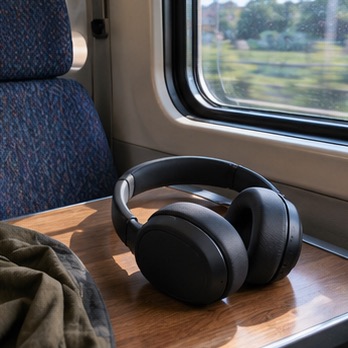
How to buy noise-canceling headphones for the commute
Start with the noise you actually hear, then find a pair you can keep on from the platform to your desk.
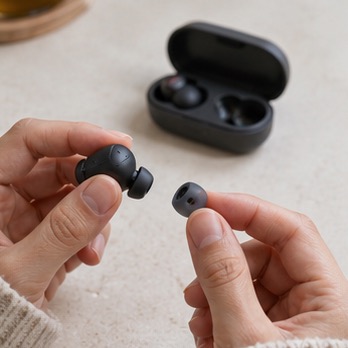
Wireless earbuds for small ears: what to check before you buy
Ear tips are only one part of fit. The shape of the housing, the controls, and the case can all matter more after an hour.
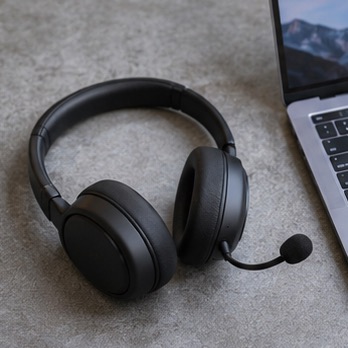
Wired or wireless? Choose a headset for video calls
Find a connection you can rely on, then compare microphone position, mute controls, and the way you work.