Wired or wireless? Choose a headset for video calls
Find a connection you can rely on, then compare microphone position, mute controls, and the way you work.
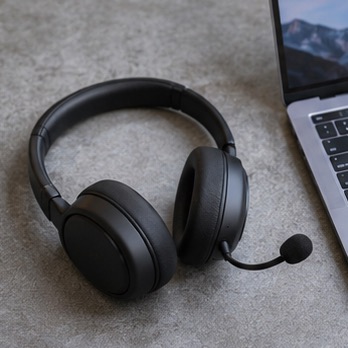
Your call starts just as a partner turns on the kettle and a delivery arrives downstairs. The headset has two jobs in that moment. It needs to keep your voice clear for everyone on the call and give you a simple way to mute while you step away.
For calls from a fixed desk, a business-style wired USB headset is a practical starting point. If you frequently stand for long meetings or pace while taking notes aloud, a wireless headset earns its extra charging routine. Pick around what happens during your busiest day.
A short boom can make a big difference
A boom microphone sits closer to your mouth than a microphone built into a headphone cup. That short distance can help your voice stay distinct from room sound. Test it with your real keyboard and ordinary speaking voice, ideally while someone in another room listens without changing their volume. Keep the end to one side of your mouth to reduce breath noise.
Ask what the mute button actually controls. Some switch the microphone locally. Others integrate with certain apps and reflect their mute state only under specific conditions. Test the headset after you join a call so you know what the physical light, tone, or boom position means.
Match the connection to the work computer
A wired USB model avoids pairing and battery surprises. Before you buy, check whether the computer has a free USB-C or USB-A port and whether the cable reaches without crossing your typing area. If your only open port lives on a dock, attach a borrowed USB audio device there and see whether it reconnects after sleep.
Wireless USB headsets often come with their own receiver, which can simplify computer setup. Bluetooth is convenient on a laptop or phone without a receiver, but model behavior varies when the microphone is active. Prefer a headset with documented support for your operating system and conferencing tools, especially if you have limited permissions on a managed laptop.
Choose the cup layout you can wear all afternoon
A single-ear headset keeps the other ear free for a child calling from the next room or a coworker asking a quick question. A two-ear model is usually the easier match for a shared office when you need to concentrate. If you stay on calls for several hours, look for soft, replaceable cushions and a headband that can sit over glasses without squeezing the frames.
Related guides
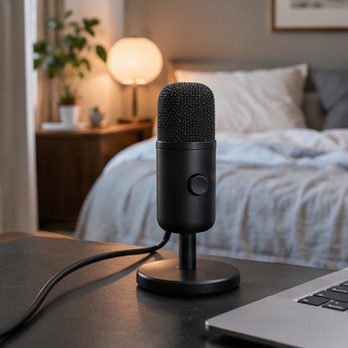
Choose a USB microphone for a small, echoey room
A workable voice setup begins with speaking distance and room layout. Buy the mic and stand together in your head.
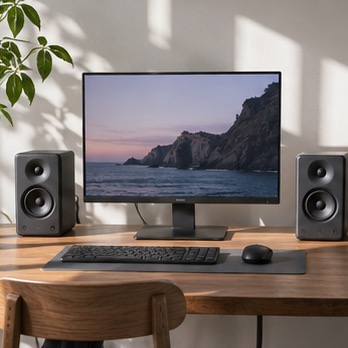
Small desktop speakers for a desk with no room to spare
Make space for conversation and music without surrendering your whole desk to a pair of speakers.
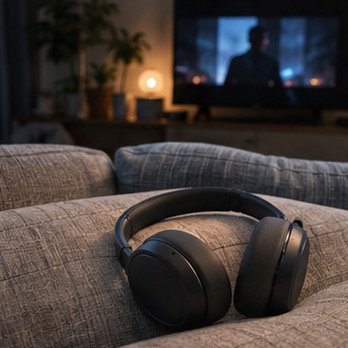
How to choose headphones for late-night TV
Check what the television can send, how much delay you notice, and whether anyone else needs to hear the same show.