Which USB-C cable do you need for charging or data?
Match the cable to the job before paying for extra bandwidth or carrying another adapter.
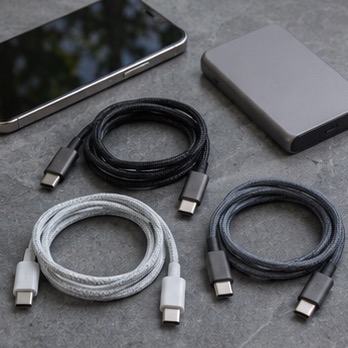
You plug a phone into a laptop with the cable from your nightstand. The battery icon changes, but the photo import takes far longer than expected. The next morning the same cable is perfectly useful as a spare desk charger. Both results make sense once you separate what the connector looks like from how the cable is built.
Give the new cable one main job before you compare products. A bedside cable needs the right charging rating and enough length. A cable for an external drive needs a documented transfer rate. A display cable has to support the video path your computer and monitor use.
Shop by what travels through the cable
For power, compare the cable's stated wattage with what your charger and device are designed to use. For files, look for a data rate in the specifications. USB-IF’s combined logos include power and data performance on qualifying cables. If a listing shows wattage and says little about data, read the manufacturer’s page before buying it for a drive or camera.
Check both ends of the connection
The speed available to a drive depends on the drive, computer port, cable, and any dock in between. Pull up the specifications for the port you use most. A high-bandwidth cable can be sensible if your other equipment supports that bandwidth and you regularly transfer large files. For an older port or occasional documents, a simpler cable can keep costs down.
For a monitor, start with the display connection instructions. Confirm that the host port can send video and that the cable supports the type of connection your screen needs. If the instructions call for a specific cable type, buy to that requirement. A charging label gives little guidance about which screens a cable will drive.
Buy a useful length and label it
Measure the route around the back of a desk before ordering. Include enough slack so the connector rests straight. For a drive kept beside a laptop, a short cable takes up less space. At a desk with several identical-looking cables, put a small tag on the one that handles video or fast data. The label only has to be useful enough to find the right cable when something stops connecting.
Further reading
Related guides
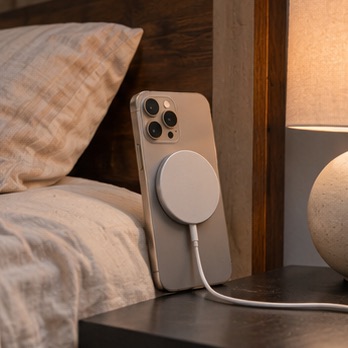
When a magnetic wireless charger is worth buying
A stand, a puck, and a cable solve different charging problems. Choose around the spot where your phone spends the most time.
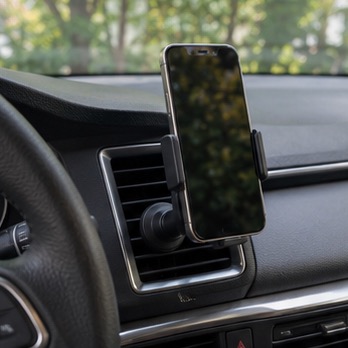
A short cable can fix a messy wired CarPlay or Android Auto setup
Find the right vehicle port and take a look at the cable before replacing anything expensive.
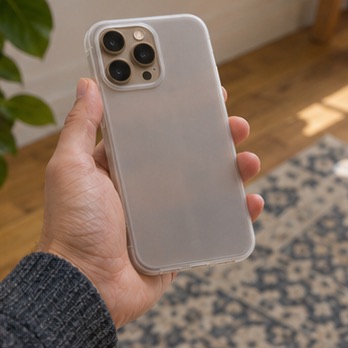
How to buy a slim phone case that won’t get in the way
Check the case against your pocket, charging cable, and daily mounts before you compare materials.