Tablet keyboard case or Bluetooth keyboard? Choose for where you type
Compare a laptop-style case with a separate stand and keyboard before adding weight to your tablet.
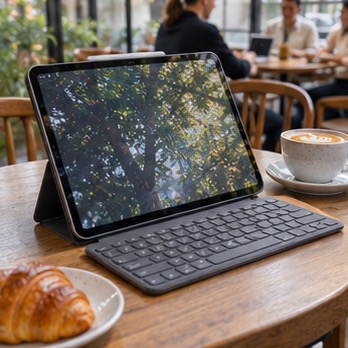
You take a tablet to a café to answer email and spend half the time covering the bottom of the screen with the on-screen keyboard. An external keyboard gives that space back. Whether it should stay attached depends on where you type and what you do with the tablet after you finish.
Break the decision into three activities: typing, carrying, and reading. A case that makes typing easy can double as the object you hold while reading on the couch. A separate keyboard leaves the tablet lighter but becomes another thing to set up at the kitchen table.
When an attached case is worth carrying
If you frequently type with the tablet on your lap, look for a stable hinge and enough room for both device and keyboard. A stand that unfolds backward can work perfectly on a desk but may need more depth than a narrow train table provides. Measure the full open footprint. Check whether the display can be adjusted to a useful angle where you expect to write.
Cases are often specific to a tablet generation or chassis size. Compare the maker’s compatibility list to the exact model number in your settings. Check whether the connection method needs Bluetooth or uses a dedicated connector. Look at the device with the cover closed if you also carry a stylus or need easy access to ports.
A separate stand gives you more flexibility
For table work, a stand and Bluetooth keyboard let you place the screen farther away and put the keys where your wrists land. If you type primarily at home and read on the move, leave the keyboard at home. Pick a model that has the layout you use on your main computer, especially if you depend on arrow keys or type with more than one language.
Try your actual work before upgrading
Pair a keyboard you already own if it works with the tablet. Write one longer email and use the apps you rely on. Test your usual shortcuts and see how much you still need to touch the screen. A keyboard case with a trackpad is easier to justify if those apps support the pointer tasks you perform often. For casual notes and replies, a simple separate keyboard can do the job with a smaller commitment.
Related guides
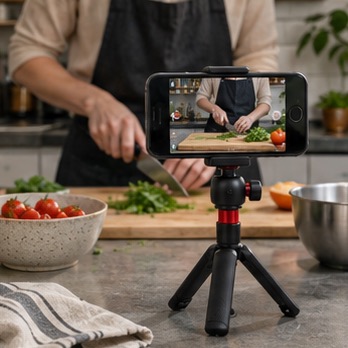
A small phone tripod for filming at home
For recipes, repairs, and craft tutorials, choose a mount according to camera position, stability, and the room you have.
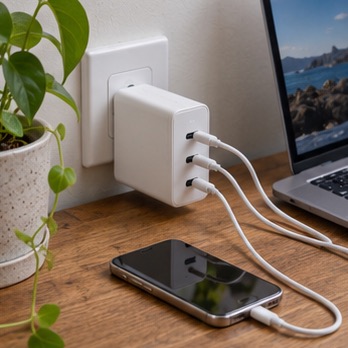
How to share one USB-C charger between your laptop and phone
The number on the box only tells part of the story. Read the port chart to see what your devices actually get.
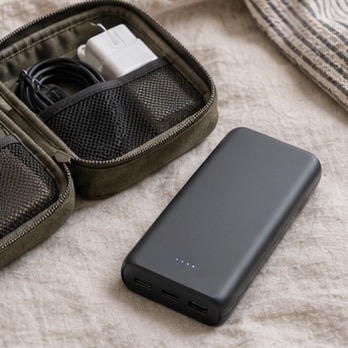
Choosing a carry-on power bank you’ll actually pack
A battery for one long travel day should fit the way you carry, charge, and board.