Do you need a full-size keyboard or a separate numpad?
A detachable number pad can reclaim mouse space, while a full-size board suits a desk built around frequent number entry.
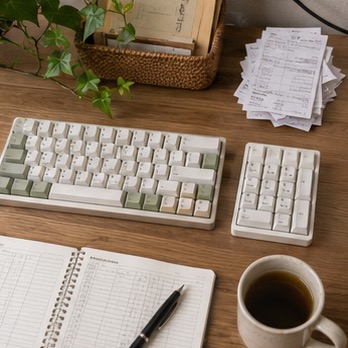
You spend the first morning of each month entering receipts and the rest of the month writing or moving between browser tabs. The number pad feels indispensable for a few hours and spends the following weeks pushing your mouse toward the edge of the desk. This is a good case for treating number entry as its own small equipment decision.
Decide how often you use the pad, and look at your keyboard and mouse together. A dedicated pad can sit to the left of a board or be pulled out only when needed. A full-size keyboard keeps everything in one familiar place. A compressed full-size layout can split the difference.
Choose based on how the numbers arrive
If you alternate between a mouse and frequent number entry, a movable numpad lets you experiment with placement. On the left, it can keep the right hand on the mouse while the left gets used to the key arrangement. On the right, you can place it beyond the mouse or bring it in temporarily. Start by moving an existing spare keypad or marking its footprint with paper.
If your day consists of long, repeated entry and the mouse sits idle for long stretches, an integrated number pad is the straightforward buy. Compare familiar full-size layouts with more compact ones. On the latter, the edge of the pad may squeeze the arrow cluster or move a key your hand expects to find.
Look beyond the digits
Check for Enter, decimal, minus and whichever operators your software actually uses. Look up how the device handles Num Lock on your operating system and see how the decimal key behaves in your locale. Some compact pads combine several functions on one key. Review the diagram with an invoice or workbook open so you notice the extra steps before you pay.
Keep the hardware simple
A wired pad is a practical starting point when it will sit beside a desktop or dock. Wireless makes more sense when you regularly clear the desk. Check which port it uses, whether a receiver is included and where you would keep that receiver when traveling. If the keyboard already contains a pad, give the new positioning a real work session before paying for a replacement board.
Related guides
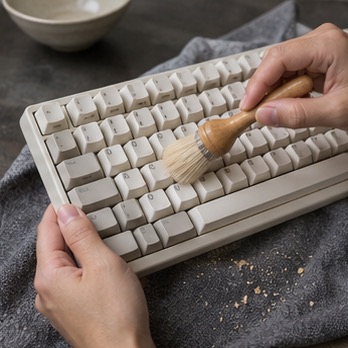
Clean your keyboard before you replace it
Start with a brush and a lint-free cloth. Save bigger purchases for the parts that are actually worn.
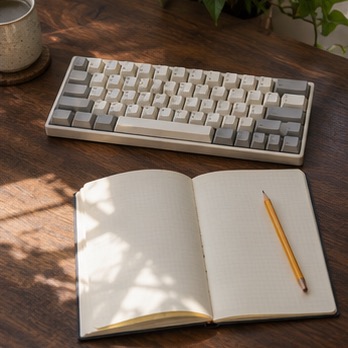
A practical first keyboard remap
Move one awkward shortcut, learn where the setting lives and avoid paying for more programmable keys than you need.
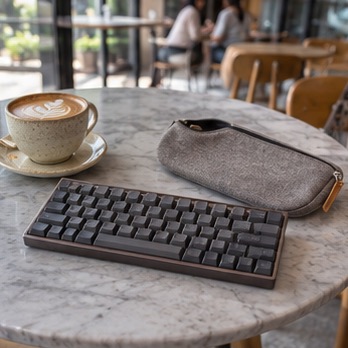
The keyboard worth packing for a café workday
Choose a travel keyboard by checking bag fit, real table space, sound and the first connection of the day.